

Best Software for Browser Game Development: Top Engines for HTML5 Games
If you’re interested in browser game development, choosing the right software is one of the most important decisions you’ll make. The best browser game engine can save time, improve performance, and help you create engaging HTML5 games for players worldwide.
Browser games have made a strong comeback in recent years. Thanks to technologies like HTML5, players no longer need to download or install anything — they can simply open a website and start playing. If you’re thinking about creating your own browser game, one of the first questions you’ll probably ask is: Which software or game engine should I choose?
The answer depends on your experience level, the type of game you want to build, and how much time you’re willing to invest in development. Let’s take a look at some of the most popular options.
1. Phaser – The Best Framework for HTML5 Browser Games
Phaser is one of the most popular frameworks for creating 2D browser games. It’s built on JavaScript and was designed specifically for web-based game development.
Advantages of Phaser:
- Excellent performance in web browsers
- Designed specifically for HTML5 games
- Large community and extensive documentation
- Works on both desktop and mobile devices
- Completely free to use
Who is it for?
Phaser is a great choice for developers who want to learn JavaScript and have full control over their games. It’s perfect for arcade games, puzzle games, platformers, and even simple multiplayer projects.
2. Construct 3 – Create Browser Games Without Coding
If you don’t want to spend months learning programming, Construct 3 may be the perfect solution.
This tool uses a visual event-based system that allows you to build games through logic and actions. Many games can be created without writing a single line of code.
Advantages of Construct 3:
- Extremely easy to use
- Fast game prototyping
- HTML5 export support
- Beginner-friendly
- Runs directly in your browser
Who is it for?
Ideal for complete beginners, hobby developers, and small teams that want to create browser games quickly.
3. Unity – Build Browser, Mobile, and PC Games
Unity is one of the most well-known game engines in the world. While it’s primarily used for mobile and PC games, it can also export projects to the web using WebGL technology.
Advantages of Unity:
- Professional-grade game engine
- Huge range of tools and features
- Supports both 2D and 3D games
- Massive community and learning resources
- Easy to publish games on multiple platforms
Disadvantages:
- Steeper learning curve
- Web builds can have larger file sizes
- Higher hardware requirements during development
Who is it for?
Developers planning larger projects or those who want to release their game on web, mobile, and desktop platforms.
4. Godot – A Powerful Free Game Engine
Godot has been growing rapidly in popularity thanks to its open-source nature and completely free licensing model.
It supports web exports and offers a user-friendly environment for both 2D and 3D game development.
Advantages of Godot:
- No licensing fees
- Easier to learn than Unity
- Excellent for 2D game development
- HTML5 export support
Who is it for?
Independent developers looking for a powerful modern engine without additional costs.
5. GDevelop – An Easy Way to Create HTML5 Games
GDevelop is another game creation platform designed for users who want to build games without coding.
Its visual editor allows you to create simple browser games in just a few hours.
Advantages of GDevelop:
- Free version available
- Drag-and-drop game creation
- Beginner-friendly interface
- HTML5 export support
Who is it for?
Students, children, hobbyists, and anyone interested in experimenting with game development without technical experience.
Which Browser Game Engine Should You Choose?
There is no single perfect solution for everyone. The best choice depends on your goals and experience level.
If You’re a Complete Beginner:
- Construct 3
- GDevelop
If You Want to Learn Professional Browser Game Development:
- Phaser
If You’re Planning Larger Projects or 3D Games:
- Unity
- Godot
If You Want to Focus on HTML5 Games:
Phaser remains one of the strongest options available. It was built specifically for the web and allows developers to create fast, responsive games that work across virtually all modern devices.
Final Thoughts on Browser Game Development
Getting started with browser game development has never been easier. Whether you prefer coding from scratch or using visual no-code tools, there’s an option available for every skill level. The key is choosing a platform that matches your goals and the type of game you want to create.
Many successful web games started as small passion projects developed during someone’s free time. With the right tool and a bit of creativity, your idea could become the next browser game that players enjoy around the world.
Ready to Explore the World of Browser Games?
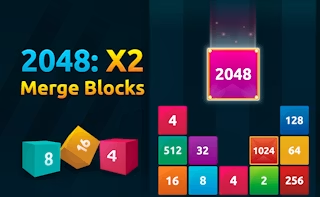
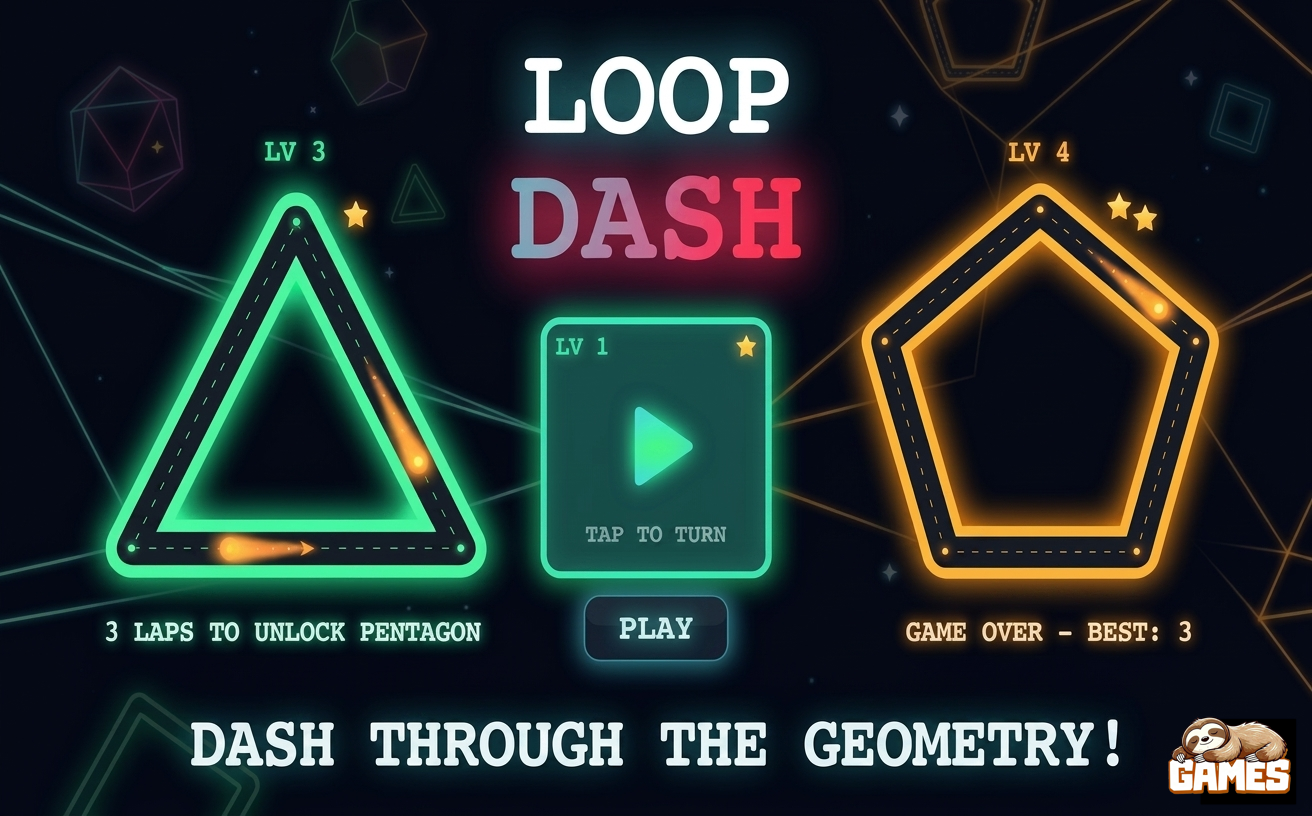
Discover different game genres, find inspiration, and see what modern HTML5 games can offer. Your next favorite game — or even your first successful project — might be just one idea away. 🚀









FAQ
What is the best software for browser game development?
The best software depends on your goals and experience level. Phaser is one of the top choices for HTML5 browser games, while Construct 3 and GDevelop are great options for beginners who prefer a no-code approach.
Which game engine is best for HTML5 games?
Phaser is widely considered one of the best frameworks for HTML5 game development because it was designed specifically for web-based games and offers excellent performance across devices.
Can I create a browser game without coding?
Yes. Tools like Construct 3 and GDevelop allow you to create browser games using visual editors and event-based systems without writing code.
Is Unity good for browser games?
Yes. Unity supports WebGL exports, allowing developers to publish games that run directly in a browser. It is particularly useful for larger and more complex projects.
What is the easiest game engine for beginners?
Construct 3 and GDevelop are among the easiest game development tools for beginners. Both offer intuitive interfaces and require little to no programming knowledge.
Is Godot a good alternative to Unity?
Yes. Godot is a powerful open-source game engine that supports both 2D and 3D development. It is easier to learn than Unity and completely free to use.
What programming language is used for browser game development?
Most HTML5 browser games are built using JavaScript, HTML5, and CSS. Frameworks like Phaser are based on JavaScript and are widely used for web game development.
Can browser games work on mobile devices?
Yes. Modern HTML5 browser games are designed to work across desktops, smartphones, and tablets, making them accessible on virtually any device with a web browser.
What is the difference between a game engine and a game framework?
A game engine provides a complete development environment with tools for graphics, physics, audio, and deployment. A framework, such as Phaser, focuses on providing core functionality while giving developers more control over implementation.
Are HTML5 games still popular?
Absolutely. HTML5 games continue to grow in popularity because they can be played instantly without downloads, work across multiple devices, and are easy to distribute through websites and gaming platforms.